Track it before you forget it.

One tap keeps the real count.

Log from iPhone, Apple Watch, or widgets when the moment happens. See what adds up and choose one clear next step.

See how it works
No ONIS accountNo subscriptioniPhone, Apple Watch, and widgets
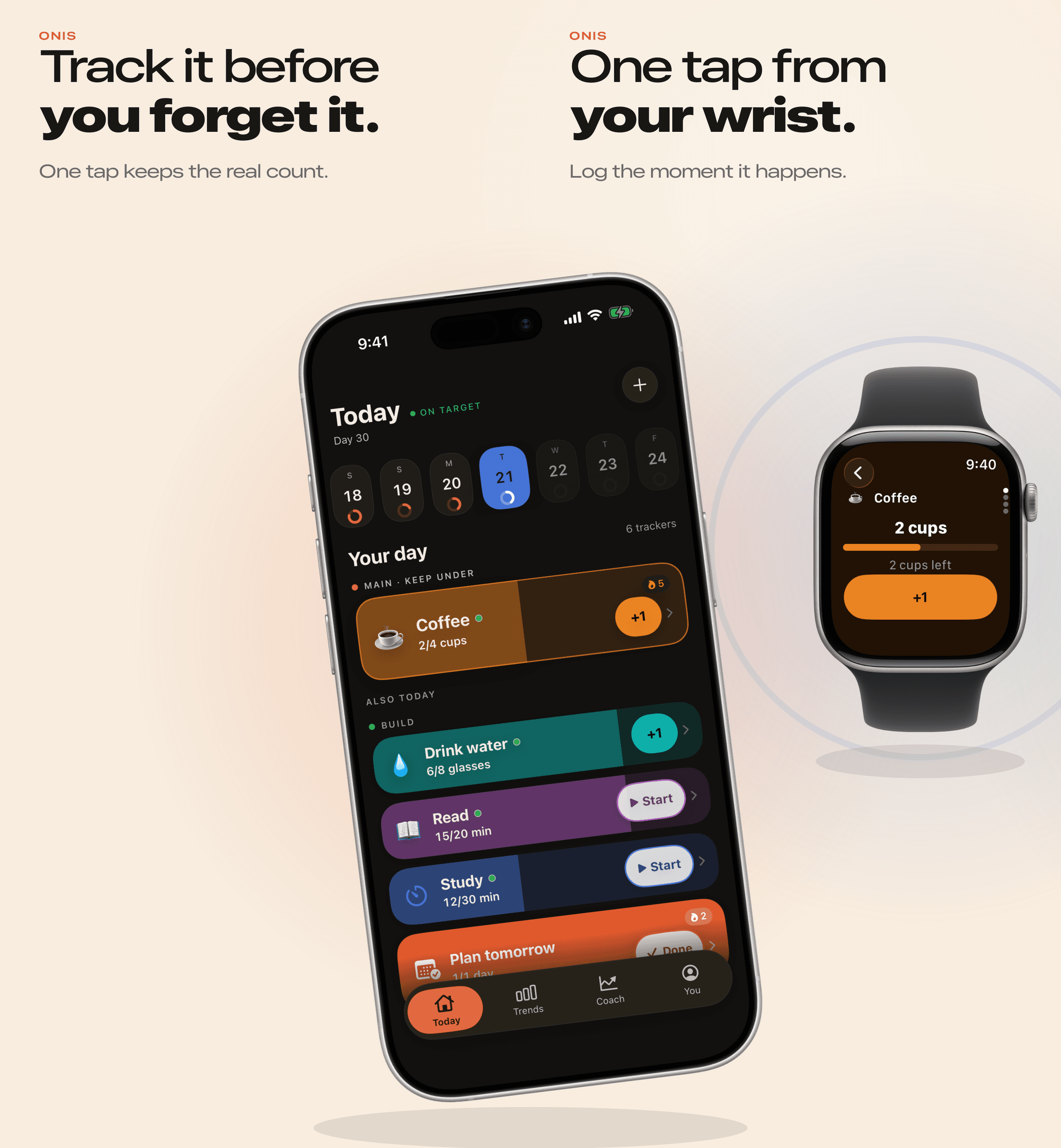
The ONIS Today screen on a cropped iPhone continuing into an Apple Watch logging Coffee with one tap — 2 cups logged, 2 cups left.
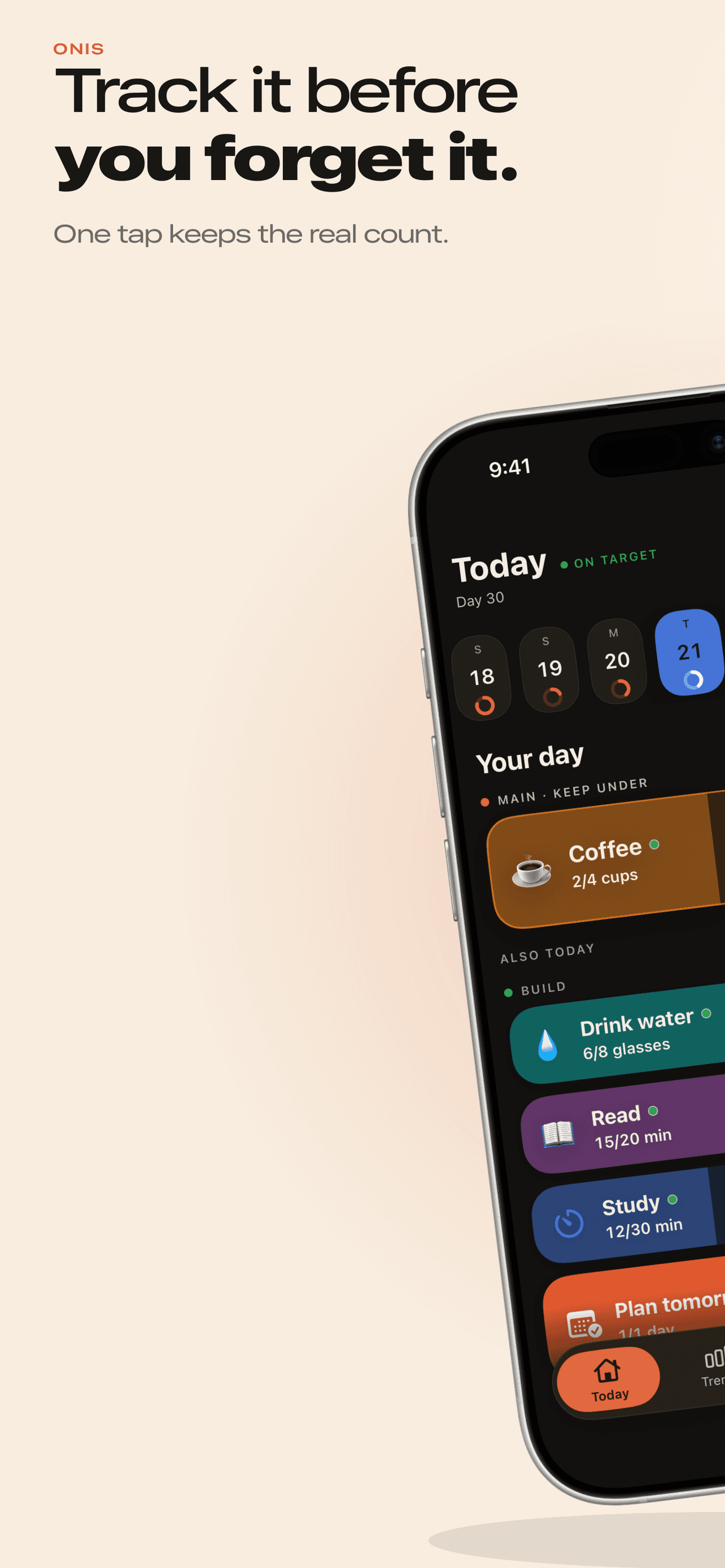
The ONIS Today screen on iPhone: Coffee at 2 of 4 cups with day-by-day progress rings, plus Drink water, Read, Study, and Plan tomorrow trackers.
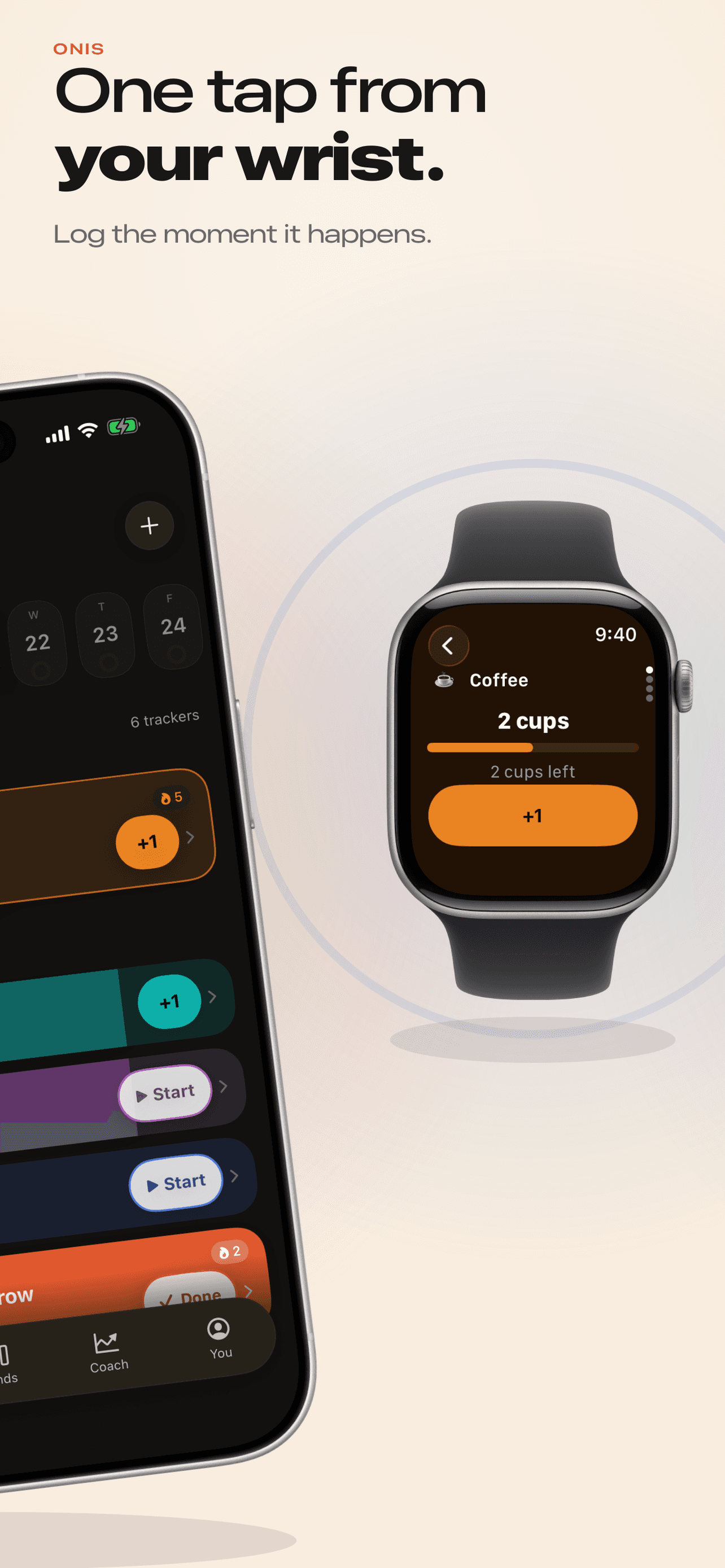
An Apple Watch logging Coffee with a +1 button — 2 cups logged, 2 cups left — beside the same iPhone Today screen.

Why ONIS

Remembering later leaves gaps.

Small moments are easy to forget. ONIS lets you record them while they are still fresh.

Without ONIS

  • Remember later
  • Guess the amount
  • Miss the timing
  • Repeat the same loop

With ONIS

  • Tap when it happens
  • Keep the real count
  • See the pattern
  • Choose one next step

Apple Watch

One tap from your wrist.

Log the moment it happens without reaching for your phone.

The ONIS Watch app logging Coffee — 2 cups with a progress bar, 2 cups left, and a large +1 button.
  • Count with one tap+1 logs the moment straight from the tracker list.
  • Finish with one tapMark a tracker done for today from your wrist.
  • Run timersStart, pause, resume, and stop — the minutes log themselves.
  • Switch trackersMove between your trackers without reaching for the phone.
  • Stays in syncYour iPhone and Watch talk directly — no cloud in between.
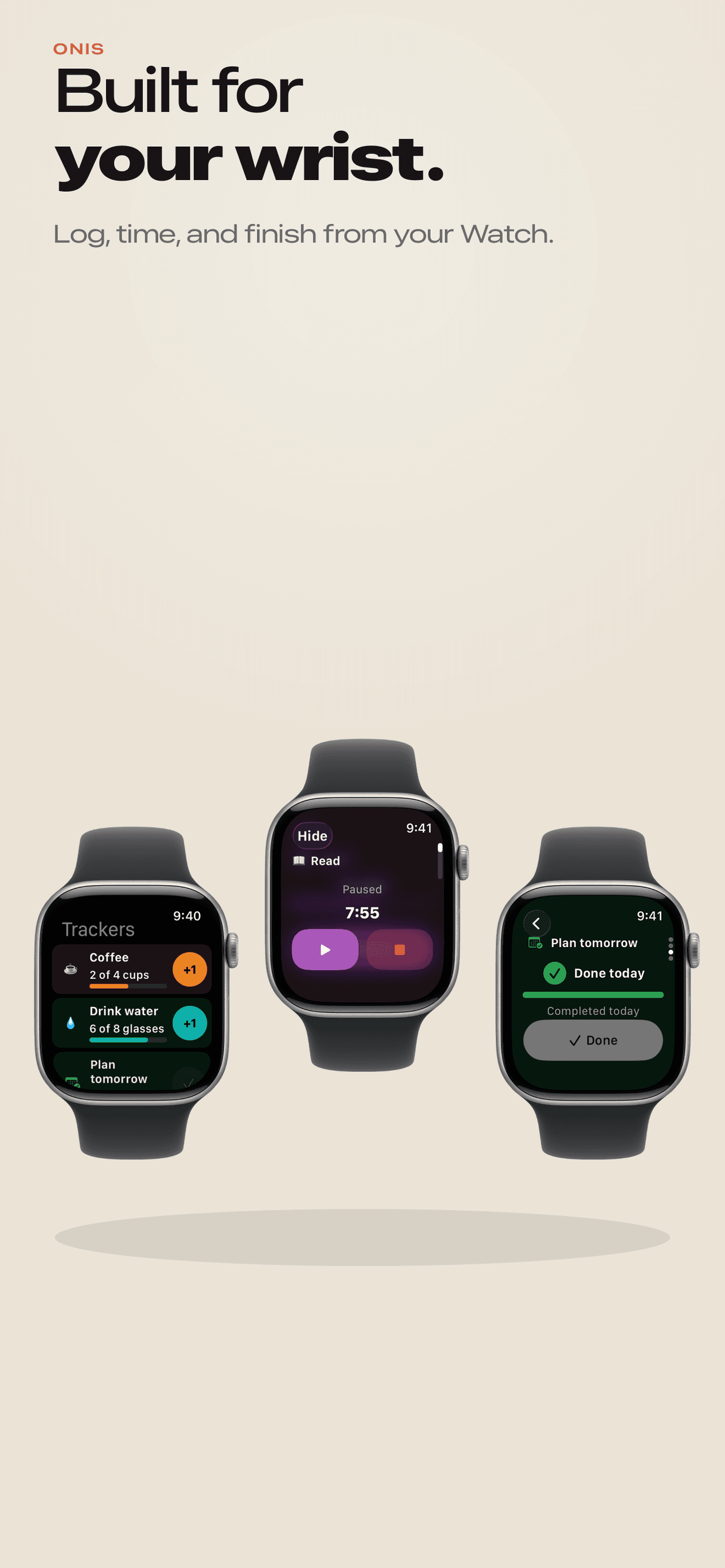
Three Apple Watch screens: the ONIS tracker list, a running Read timer at 7:55 with pause and stop, and Plan tomorrow marked done.

Widgets

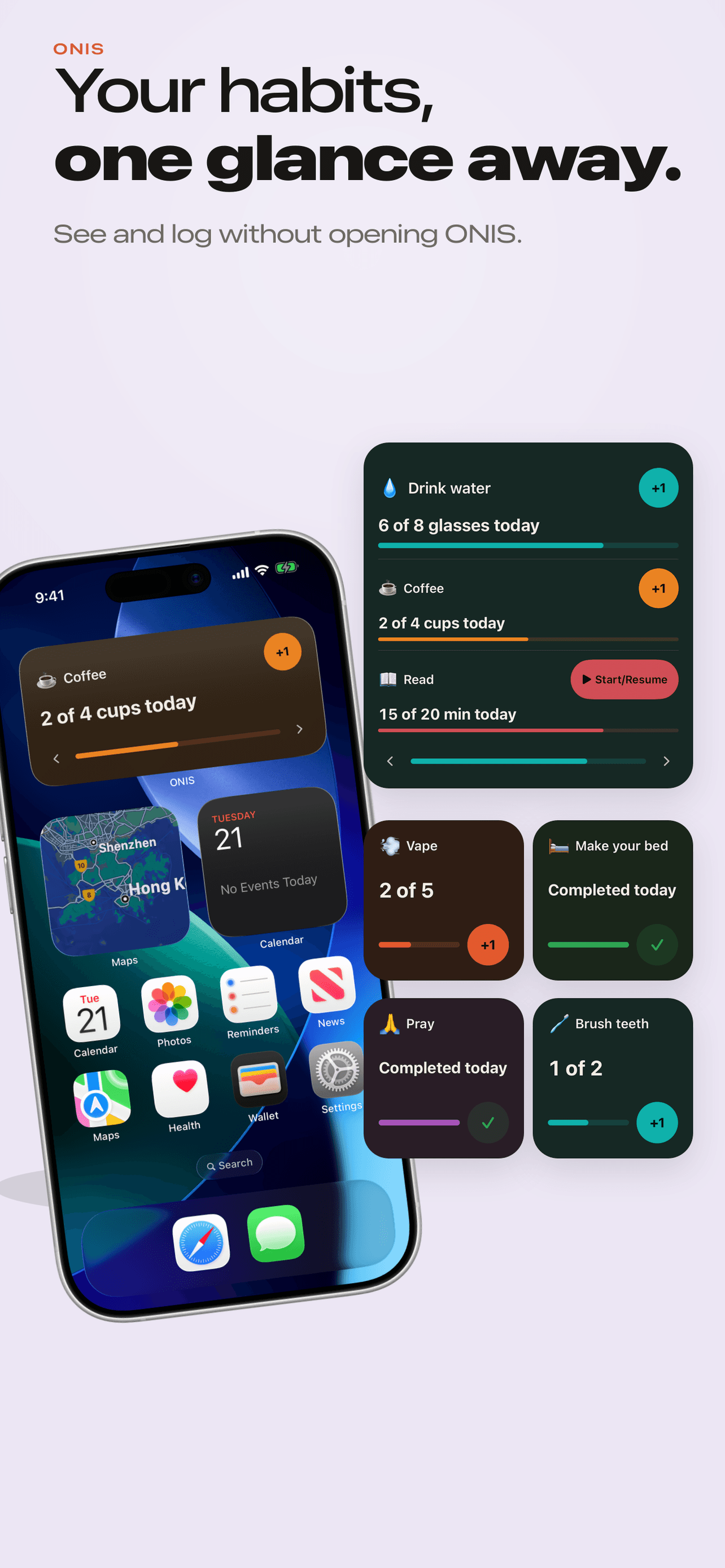
Your habits, one glance away.

See today and use supported actions without opening ONIS.

  • Choose the trackerEach widget follows the tracker you pick.
  • See today at a glanceProgress like “2 of 4 cups today” — straight from your log.
  • Act without opening ONIS+1 and Done work right in the widget; arrows switch trackers.
  • Configure through iOSAdd Home Screen and Lock Screen widgets from the iOS gallery, plus Watch complications.
ONIS widgets on the iPhone Home Screen showing Drink water, Coffee, and Read progress with one-tap +1, Start, and Done actions.

One app · Three directions

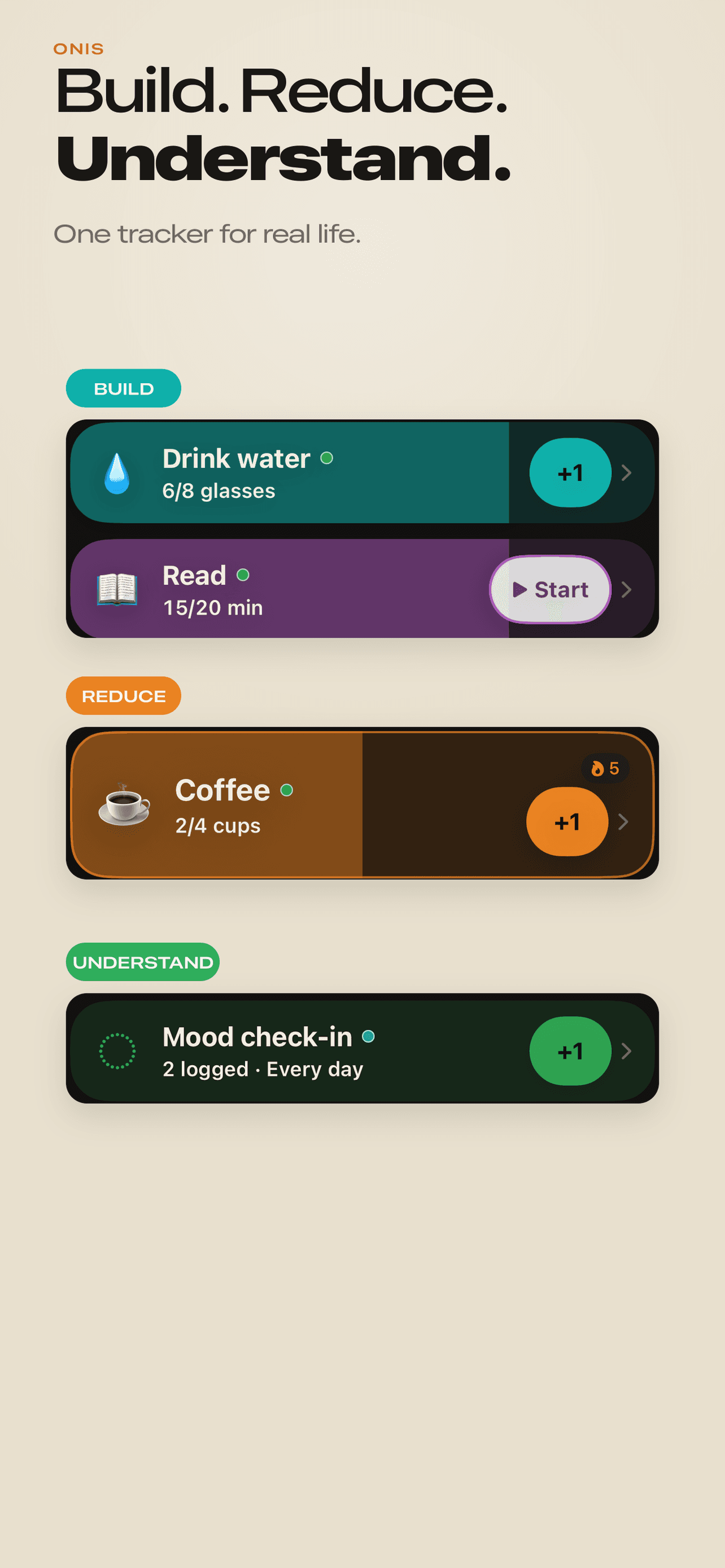
Build. Reduce. Understand.

One tracker for real life.

Three ONIS tracker cards: Build with Drink water and Read, Reduce with Coffee at 2 of 4 cups, and Understand with a daily Mood check-in.
Build

Grow what matters.

Drink water · Read · Study · Plan tomorrow

Reduce

Set a limit and keep an honest count.

Coffee · Fast food · Scrolling

Understand

Track something without forcing a goal.

Mood · Symptoms · Personal events · Custom trackers

In the app, the Understand direction is labeled "Track."

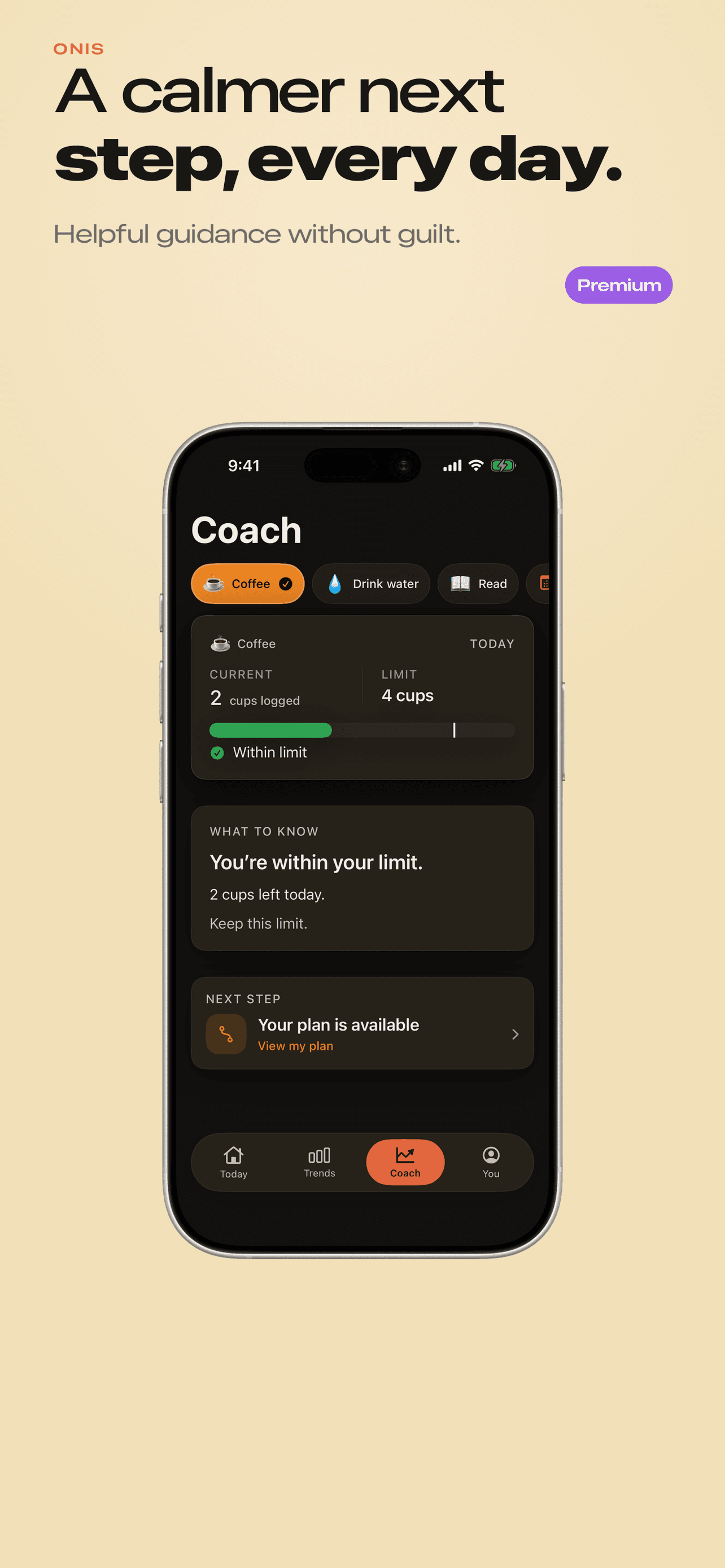
The ONIS Coach screen for Coffee: within a 4-cup limit at 2 cups, a short what-to-know summary, and one clear next step.

Coach

A calmer next step, every day.

Helpful guidance based on the goals you selected — without guilt, pressure, or medical claims.

Premium

  • Your current status
  • One clear interpretation
  • One optional next step
  • Supportive language — never guilt
  • Not a chatbot

Reminders

Stay close to the moment.

Choose gentle reminders that fit your routine.

Tracker reminders

A gentle nudge for a tracker, daily or on the weekdays you pick.

Timer completion

Know when a session finishes so you can log it.

Limit reminders

A calm note when you reach the limit you set — never shame.

Weekly review

An optional Sunday-evening look at your week.

All reminders are optional and off by default — you choose what ONIS can send.

Fair pricing

Premium without another subscription.

Free

Start tracking for free.

  • One-tap logging on iPhone, Apple Watch, and widgets
  • 6 starter trackers plus 1 custom — up to 7 active
  • Timers, reminders, and full history
  • Export and data controls
  • No ONIS account

7-Day Premium Access

Try Premium free for 7 days.

$0 today · No subscription · No automatic charge

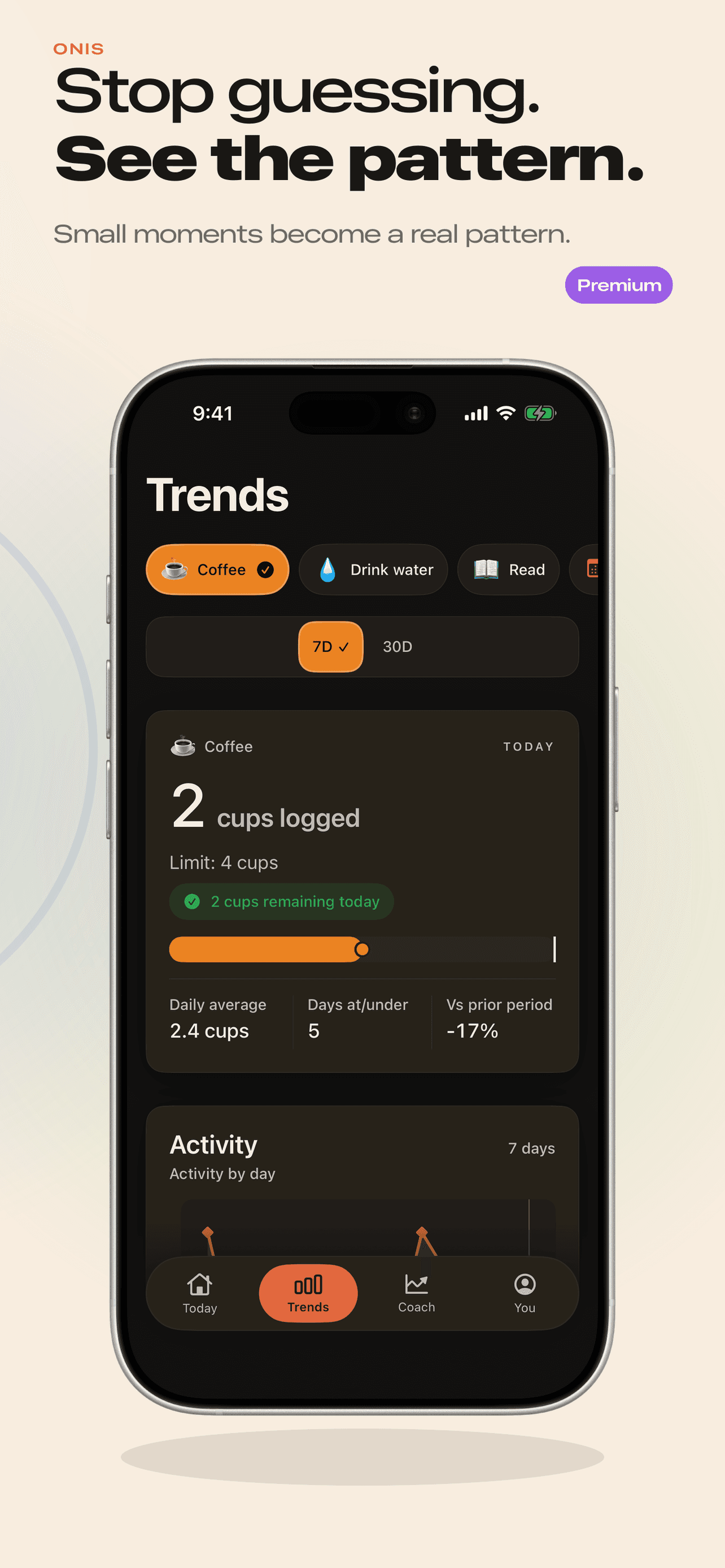
  • Trends — patterns from what you actually logged
  • Coach — one calm next step, every day
  • Full template library
  • Unlimited trackers

ONIS Lifetime

$9.99once

One payment · Permanent Premium access · No renewal

After seven days, ONIS returns to Free unless you choose Lifetime.

After seven days, continue with Free or choose Lifetime.

Apple confirms the localized price at purchase.

Privacy

Private by design.

  • No ONIS account
  • No advertising
  • Habit history stored locally
  • Direct iPhone–Apple Watch synchronization
  • Export or delete your data
  • Apple device backups may contain ONIS data when enabled

This website sets no cookies and runs no analytics or ad scripts; our hosting provider may keep ordinary server request logs. Read the privacy policy.

FAQ

Questions, answered.